Getting Railroad Tycoon II Running on Modern Linux Without Steam
I wanted to play Railroad Tycoon II Platinum on my Linux box, but I haven’t seen it running in a long time, even using Steam. Libraries have moved on, but this is a really old binary. I remember playing the original Railroad Tycoon on my Mac in 1991, and this update came out in 1998. I put a bunch of hours in both.
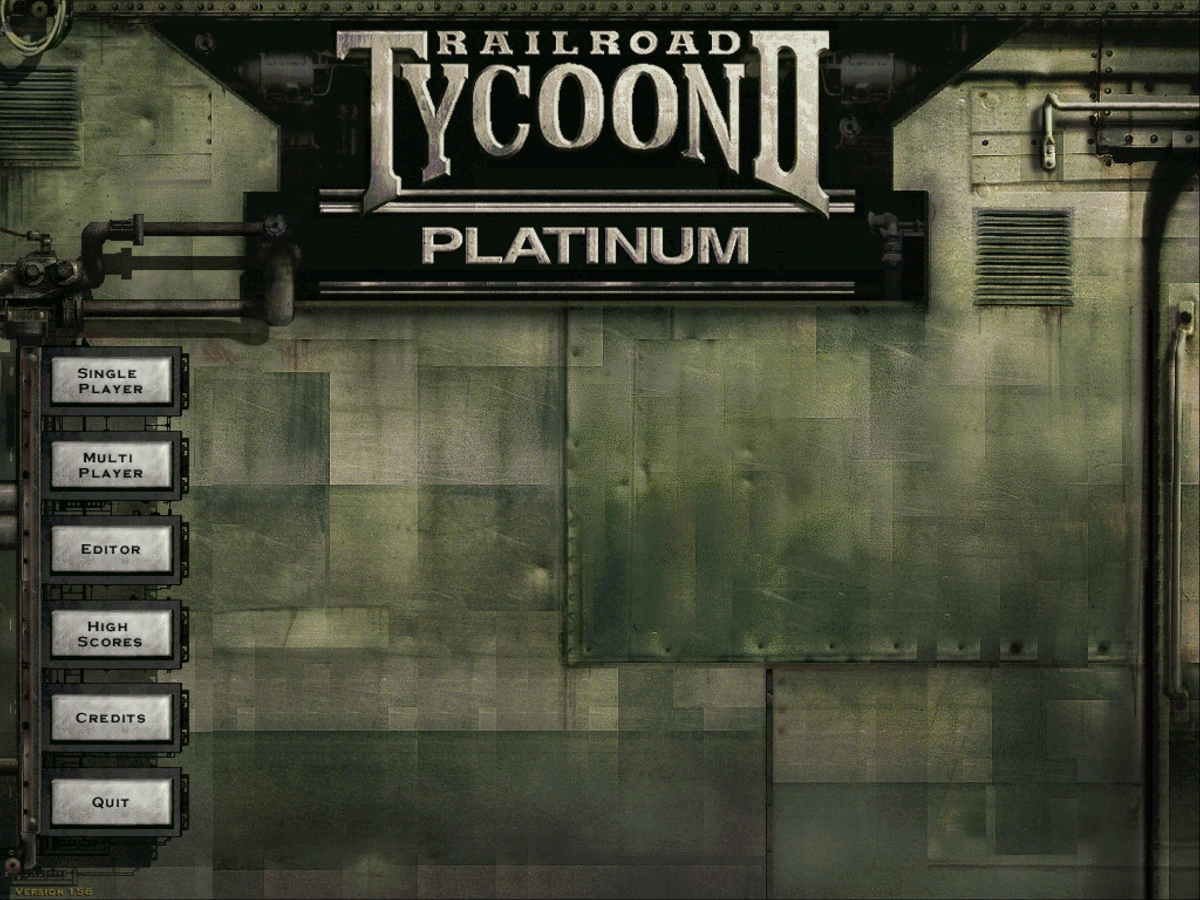
Steam Version Requires Steam
The binary downloaded from Steam has an encrypted wrapper, so it only works in Steam. This wasn’t working, and it seemed a little harder to debug when it’s still attached to the Steam binaries.
Can I examine or decode the binary so I can run it in straight Wine? Nope. It’s all encrypted.
You can download it from GOG.com for $1.74 as a DRM free version. That’s a better place to start.
Then I used innoextract to extract the GOG Windows binaries.
Two fixes to make Wine run it
It still didn’t start using the latest Wine, with all of the latest additions.
With this DRM-free executable, it died with BadWindow from X_CreateWindow
before drawing anything.
I’ve been running the Hyprland window compositor, and Wine had no graphics
driver pinned, so it was choosing its own backend on a Wayland compositor and
falling over. Setting HKCU\Software\Wine\Drivers → Graphics to x11 fixed
it.
That revealed the next failure, a DirectDraw Error. Railroad Tycoon II is
from 1998 and wants a genuine 1024×768 display mode switch. It cannot have
one, because my display is a 4K panel running at 1.5× scale through Xwayland.
Launching it inside a Wine virtual desktop — wine explorer /desktop=rt2,1024x768 — gives it a fake screen it is allowed to mode-switch
inside, and it starts.
Neither fix works alone. The driver pin is what lets the virtual desktop exist; the virtual desktop is what satisfies DirectDraw.
Wine is Incredible
Wine as a compatibility layer is just incredible, with all of the patches over the years. That was it, and now it’s working, with sound.
Although it’s a bit small, at 1024x768 resolution on my 4K monitors. Claude
introduced me to gamescope allowing a virtual display before the Wayland
compositor.
gamescope -w 1024 -h 768 -W 3840 -H 2160 -f -S integer -F nearest -- wine ...
-S integer takes the largest whole-number multiple that fits — 2×, giving
2048×1536, centered with a black border. -F nearest maps each game pixel to
exactly four screen pixels, so 1998 sprite art stays sharp instead of being
smeared by an interpolating filter. Non-integer scaling would fill more of the
panel and look worse.
The end state
Two packages, innoextract and gamescope. One Wine prefix containing exactly
two non-default registry values. A launcher script and a desktop entry.
No Steam, no Proton, no GOG Galaxy, no winetricks, no DXVK, and no ddraw
override, which is often used to patch old games. Modern Wine’s own
implementation is fine once the game has a screen it can mode-switch inside.
Once I got rid of Steam’s encrypted wrapper, everything is working great now.
This also might be interesting for future old-binary porting projects. With Claude’s help, it’s made getting old Windows binaries working on current systems much more manageable. I’ve seen other projects that can even reverse-engineer binaries where the source is long gone. This might be really cool.